BSP will transition to phishing-resistant authentication methods instead.
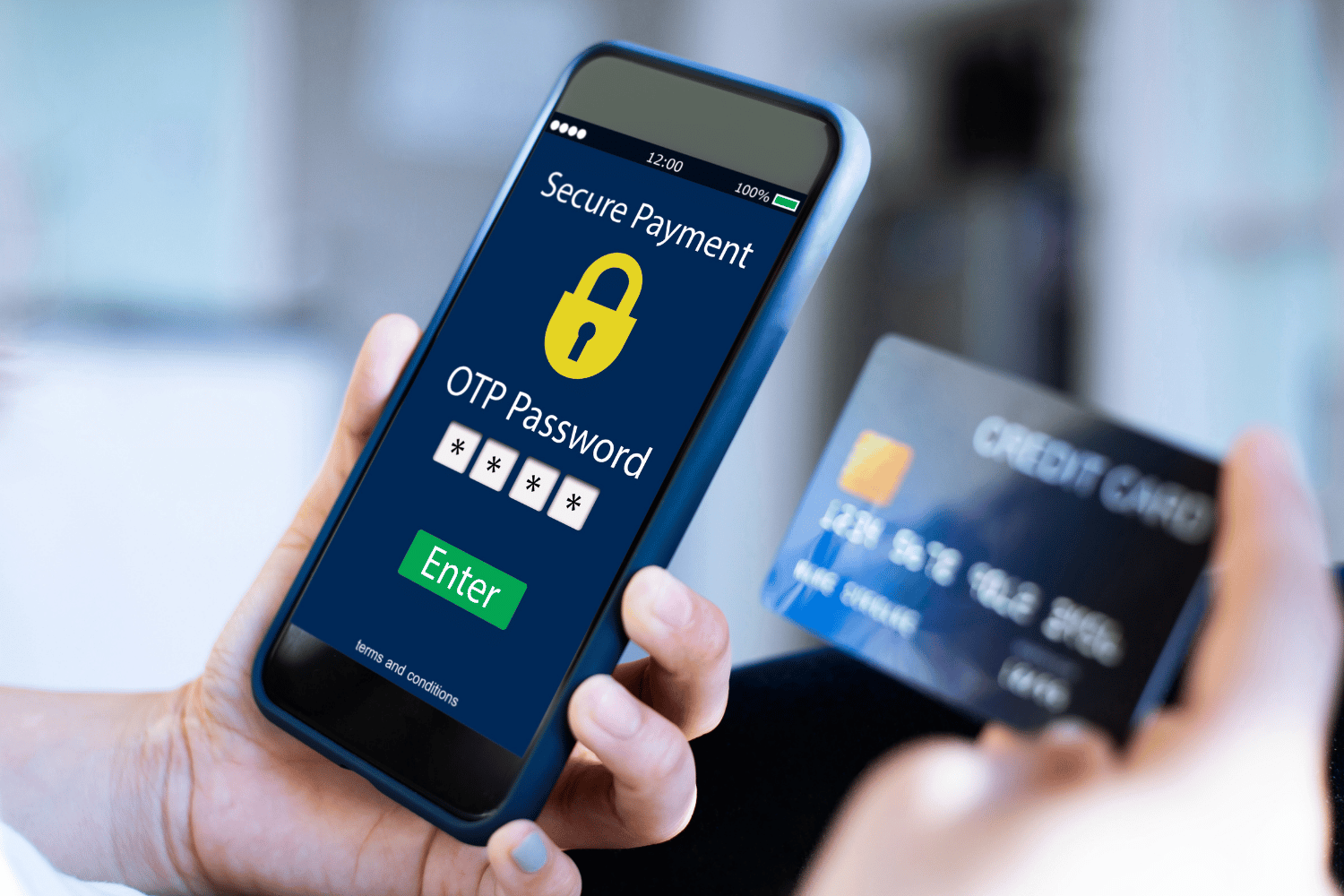
Starting July 1, the Bangko Sentral ng Pilipinas (BSP) is enforcing a complete ban on SMS and email-based One-Time Passwords (OTPs) for authorizing financial transactions and high-risk account updates.
Under the strict timeline of BSP Circular No. 1213—the technical backbone of the Anti-Financial Account Scamming Act (AFASA)—all banks, digital lenders, and e-wallets must transition you to phishing-resistant authentication.
What to expect
Depending on your bank, your transaction flow will look like one of these three updated workflows:
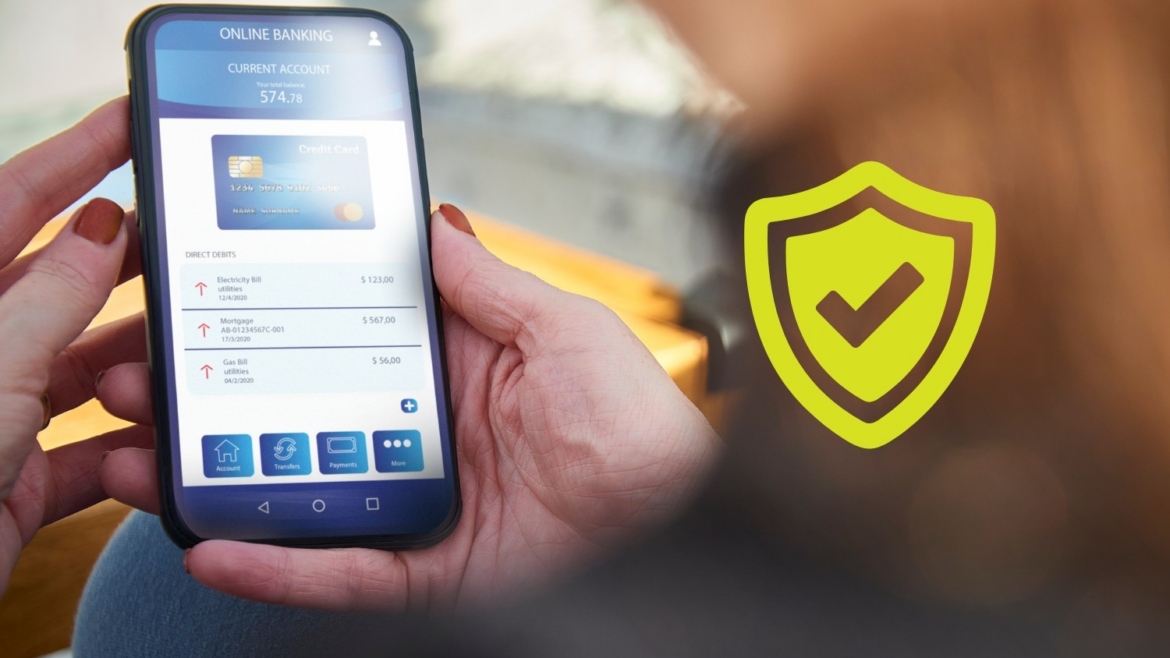
In-App OTPs & Push Notifications: When you hit “Send Money” on your laptop or web browser, your phone will receive a secure, encrypted pop-up banner directly from the bank’s official application (similar to GCash’s rollout). You simply tap the notification, open your app via PIN or face scan, and hit “Approve.”
Server-Side Biometrics and Passkeys: Banks are leveraging the physical biometric hardware inside your phone (Face ID, Touch ID) to generate unique cryptographic keys bound specifically to your device. Instead of a password or text code, your phone will simply ask for a split-second facial or fingerprint scan to clear the fund transfer.
Silent Network Authentication: Running seamlessly behind the curtain, this tech allows your banking app to talk directly to your telecom provider’s network towers in the background. It cryptographically checks if the actual physical SIM card inside your device matches the registered mobile number on the account, authenticating you in under three seconds without you pressing a single button.
How to prepare for the rollout
To avoid having your funds temporarily frozen or getting locked out of your apps on July 1, make sure you execute these exact steps before the deadline hits:
Turn on the push notification system wide. Because banks can no longer fall back on an SMS text when an app notification fails, you must ensure push notifications are 100% allowed in your smartphone’s system settings for every financial app you own. If notifications are blocked, your transactions will simply hang indefinitely.
Update all mobile apps immediately. Digital communities like Digital Banks PH are tracking a massive wave of mandatory app store updates across traditional bank accounts (like BPI, BDO, Metrobank) and digital banks (such as Maya, GoTyme, and UnoDigital). Do not wait until you are standing at a supermarket checkout counter to download a heavy security upgrade.
Prepare for strict device binding. Under the new rules, your banking access is tightly bound to your specific physical device. If you lose your phone or buy a new handset after July 1, expect the initial setup to require a much higher tier of security verification.
REMEMBER: Don’t panic if you still receive a text code when logging into a completely brand-new phone for the first time. The BSP allows a singular transition clause: banks are still permitted to use traditional SMS OTPs only to confirm the initial ownership or registration of a mobile number onto a device. Once the device is registered, SMS cannot be used to move money.
READ: