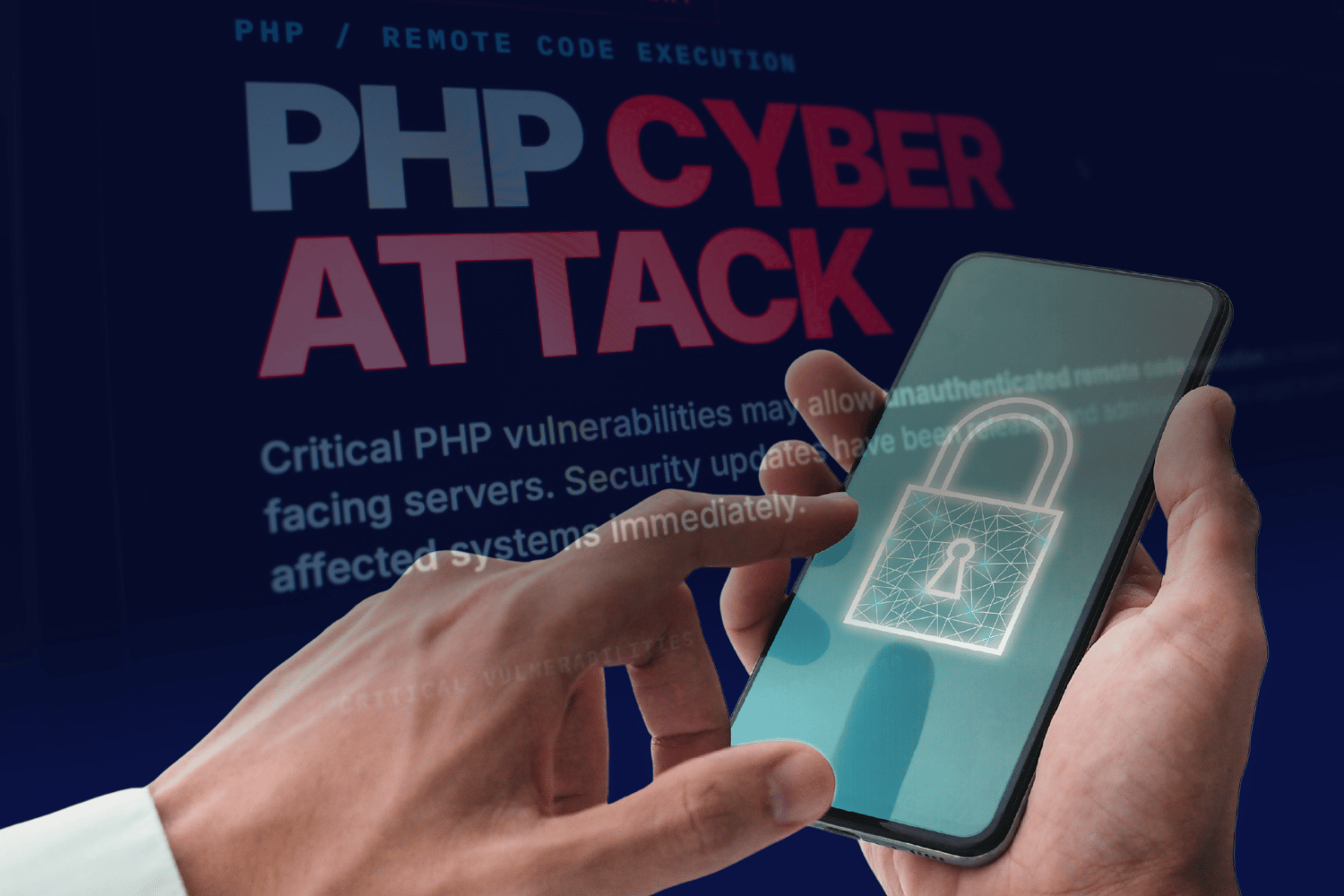
Simple ways to protect your online accounts from scams and cyber threats.
A security alert involving technology used to run websites has highlighted the need for stronger online protection. While the discovery does not automatically mean that consumer accounts have been compromised, it serves as a reminder for Filipinos to stay alert against scams and protect their personal information.
On October 21, 2026, the team behind PHP, a programming language used to build and run many websites and online services, released security fixes for two critical flaws collectively known as PHP2Shell.
To understand why this matters, think of a website as a store. What visitors see on their screens is only part of the operation. Behind the scenes, computers called servers store information, process requests, and help the website function. PHP is one of the tools these computers can use to carry out those tasks.
The PHP2Shell vulnerabilities affect weaknesses in this behind-the-scenes technology. If attackers exploit an affected system that has not been updated, they could potentially run their own malicious instructions on the computer hosting the website.
The Philippine National Computer Emergency Response Team (CERT-PH) issued an advisory on the PHP2Shell vulnerabilities, warning that affected systems could include government websites, online services, and private-sector platforms.
This does not mean that every website using PHP is compromised, or that people who visit these websites have automatically had their accounts or personal information stolen. The risk depends on whether a system is affected, whether the weakness has been fixed, and whether attackers have successfully exploited it.
What it means for users
Most consumers cannot fix PHP2Shell themselves because the problem lies in the software running on the computers that operate websites, rather than in the phones or computers people use to access them. Website owners, developers, and technology providers must install the appropriate security updates.
The incident nevertheless highlights why online safety requires attention from both technology providers and consumers. Even when companies work to secure their systems, people still need to recognize suspicious messages, protect their login details, and know what to do when something seems wrong.
Phishing, for instance, happens when scammers pretend to represent a legitimate company, bank, government agency, or other trusted organization to trick people into revealing personal information. They may send text messages, emails, or social media messages containing links to fake websites designed to look authentic.
A message claiming that an account will be blocked unless the recipient immediately clicks a link or provides an OTP should be treated with caution. These are general scam tactics, however, and should not be mistaken for confirmed consequences of PHP2Shell.
In a January 2026 interview with BusinessWorld, Cybercrime Investigation and Coordinating Center (CICC) Executive Director Undersecretary Renato “Aboy” Paraiso emphasized the importance of public awareness in combating cybercrime.
“The number one weapon that we can rely on is really an informed and educated citizenry,” Paraiso said.
In the same interview, he identified a potential warning sign of phishing, saying, “the number one red flag there is if you are redirected to a site instead of using the official applications of online marketplaces.”
His advice offers a practical reminder: when in doubt, open a service’s official application or type its verified website address into your browser instead of following an unexpected link.
Simple ways to protect accounts online
Consumers do not need to be technology experts to improve their online safety. A few everyday habits can help reduce the risk of falling victim to scams or losing access to their accounts.
Use strong, unique passwords. Avoid using the same password for multiple accounts. If one service is compromised, scammers may try the stolen password on other platforms.
Enable multifactor authentication whenever available. This adds another layer of protection by requiring an additional verification step beyond a password. Another option is to use passkeys when supported. These let you sign in using your device’s fingerprint, face recognition, or PIN instead of entering a password, making it harder for scammers to steal your login credentials.
Never share one-time passwords (OTPs), personal identification numbers (PINs), or other security credentials. Legitimate service providers should not ask you to disclose an OTP or PIN to someone claiming to be a support representative.
Be careful with links and attachments. Check the sender and the message carefully, especially if it creates a sense of urgency, promises an unexpected reward, or asks for sensitive information. If a message claims there is a problem with your account, verify it through the service’s official channels.
Review account activity regularly. Look out for unfamiliar transactions, login notifications, password-reset messages, or changes to your account details. Keep your phone, computer, browser, and applications updated, too, since updates can fix known security weaknesses.
What to do if something goes wrong
If you suspect someone has accessed your account without permission, act promptly. Contact the affected service through its official support channels and follow its instructions to secure the account. Change your password using the official website or application, and sign out of unfamiliar devices or active sessions if the service allows it.
Secure your email account as well, particularly if it is used to reset passwords for other services. If you have reused the compromised password elsewhere, change it on those accounts, too.
If money has been transferred without your permission, contact your bank or financial service provider immediately to report the transaction and ask what steps are available to protect your account. Keep screenshots, messages, transaction records, and other evidence that could help with an investigation.
Suspected cybercrime can also be reported through the CICC’s official reporting portal. For information about PHP2Shell and the security fixes, consumers can consult the CERT-PH advisory and the PHP project’s official security notices.
PHP2Shell is a reminder that online security involves more than avoiding suspicious links. Technology providers must fix weaknesses in the systems they operate, while consumers can help protect themselves by safeguarding their credentials, checking unexpected messages, and reporting suspicious activity. Knowing what to look out for can make everyday digital activities safer.
READ:

Click, swipe, scam: Inside the battle for digital trust
Jacob Lazaro
November 4, 2025

Keeping holiday finances secure amid rising AI-driven scams
Cesar Tordesillas
November 27, 2025

Singtel to grow PH tech workforce to over 1,200 with ₱1.87B investment
radar Business
July 17, 2026